Skip to content

Curtis Pyke creative tips

  • Curtis’s YouTube channel
  • Freedom! Scholarship
  • MGN
    • MGN TV
    • MGN Destiny 2
    • MGN World of Warcraft
    • Minecraft Viki
    • MGN Cyberpunk 2077
    • MGN Ashes of Creation
    • MGN Academy
  • Freedom!
    • tips!
    • Freedom! Games
    • Freedom! Forums
    • Partner with Freedom!
  • youtube
  • discord2

Curtis Pyke creative tips

  • Curtis’s YouTube channel
  • Freedom! Scholarship
  • MGN
    • MGN TV
    • MGN Destiny 2
    • MGN World of Warcraft
    • Minecraft Viki
    • MGN Cyberpunk 2077
    • MGN Ashes of Creation
    • MGN Academy
  • Freedom!
    • tips!
    • Freedom! Games
    • Freedom! Forums
    • Partner with Freedom!

Curtis Pyke

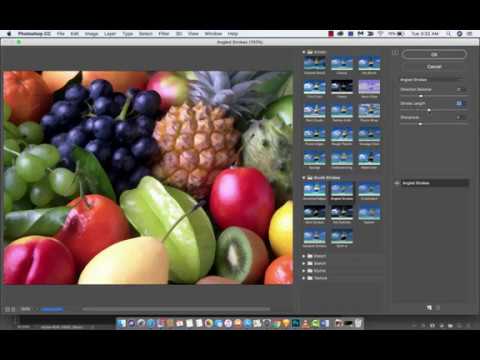
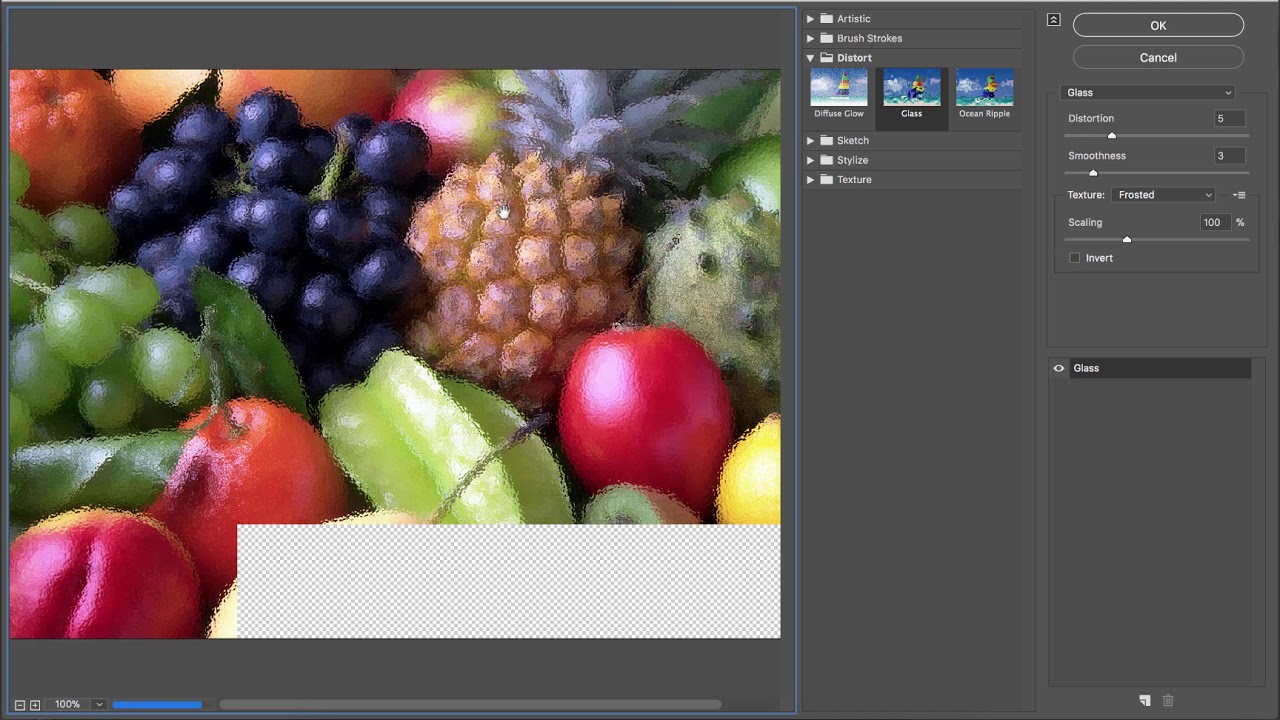
Adobe Photoshop CC – How to make an image look like a painting

December 5, 2017

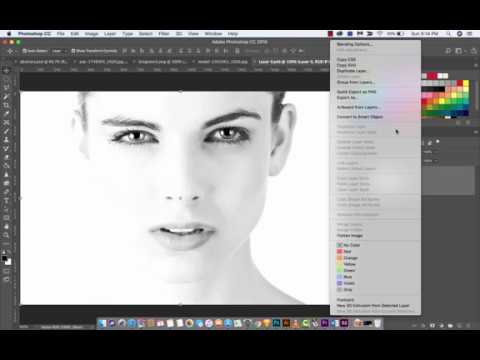
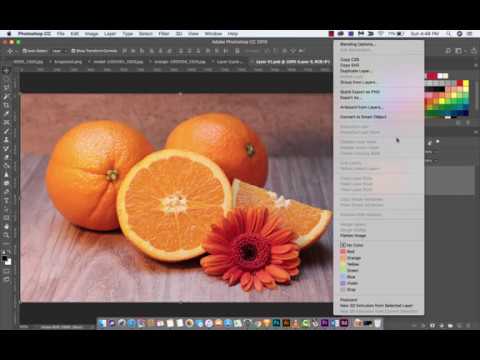
Here is a tutorial showing you a few of the many ways you can make your image look …

Adobe Photoshop CC 2018 – How to adjust blending modes on smart filters

December 5, 2017

Here is a quick tutorial showing you how to adjust the blending mode of your smart filter. We …

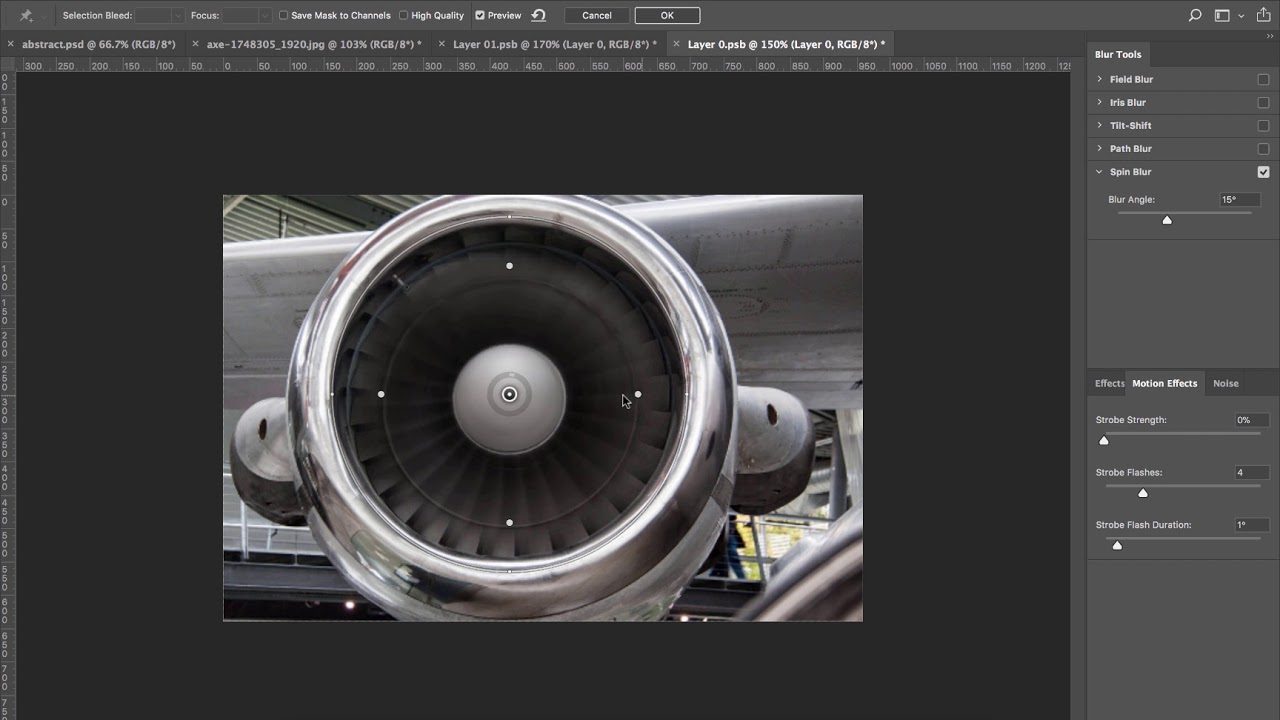
Adobe Photoshop CC How to create motion blur

December 4, 2017

Here is a quick tutorial showing you how to create motion blur, or motion spin, using the spin …

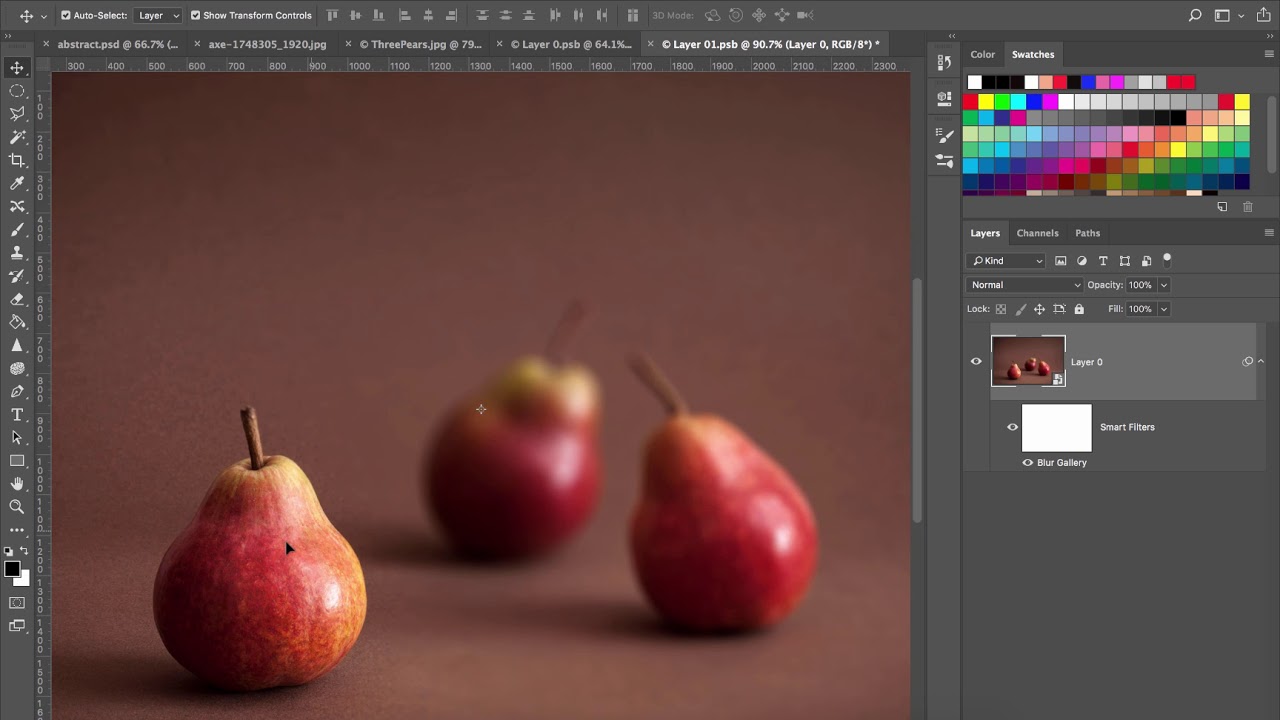
Adobe Photoshop CC – How to create depth of field

December 4, 2017

Here is a quick tutorial showing you how to create a depth of field effect inside Adobe photoshop …

Adobe Photoshop CC- Tilt shift blur

December 4, 2017

Here is a quick tutorial showing you how to use the tilt-shift blur tool in Adobe photoshop CC …

Adobe Photoshop CC – How to blur a single object

December 4, 2017

Here is a quick tutorial showing you how to blur a single object, or selective blur, using adobe …

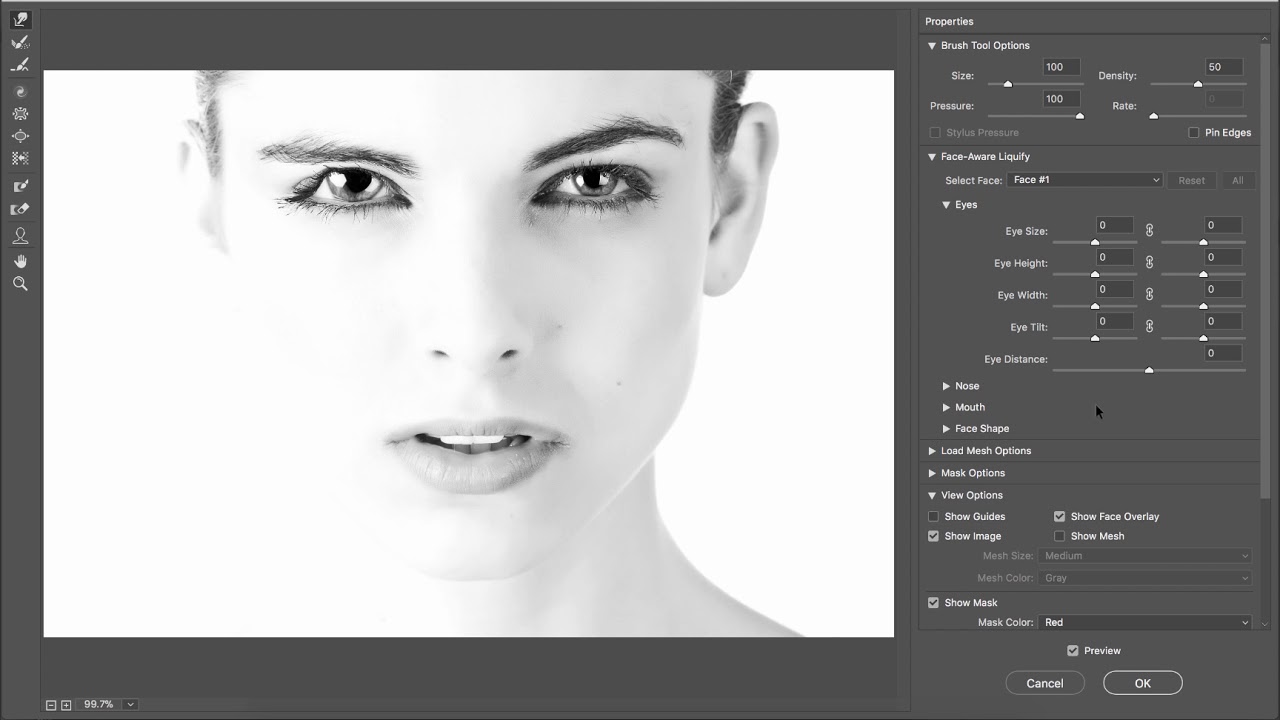
How to increase eye size – Youtube Thumbnails – Photoshop

December 2, 2017

Here is a quick video showing you how to increase the size of your eyes for youtube thumbnails …

How to Increase Eye size – Photoshop

December 2, 2017

Here is a quick tutorial showing you how to increase eye sizes of images inside Adobe Photoshop CC. …

How to Bend and Distort – Photoshop CC – Puppet Warp

December 2, 2017

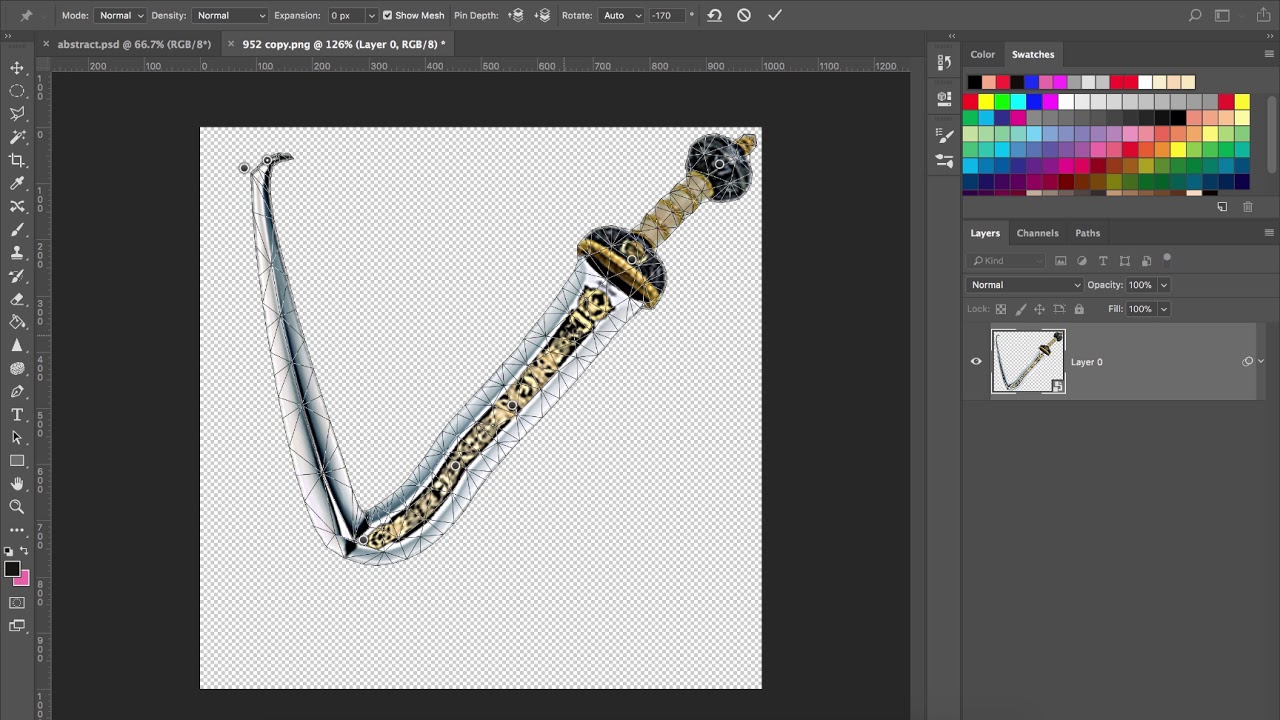
Here is a quick tutorial showing you how to bend, warp, and distort an image or object using …

Photoshop CC – How to adjust marquee selections

December 2, 2017

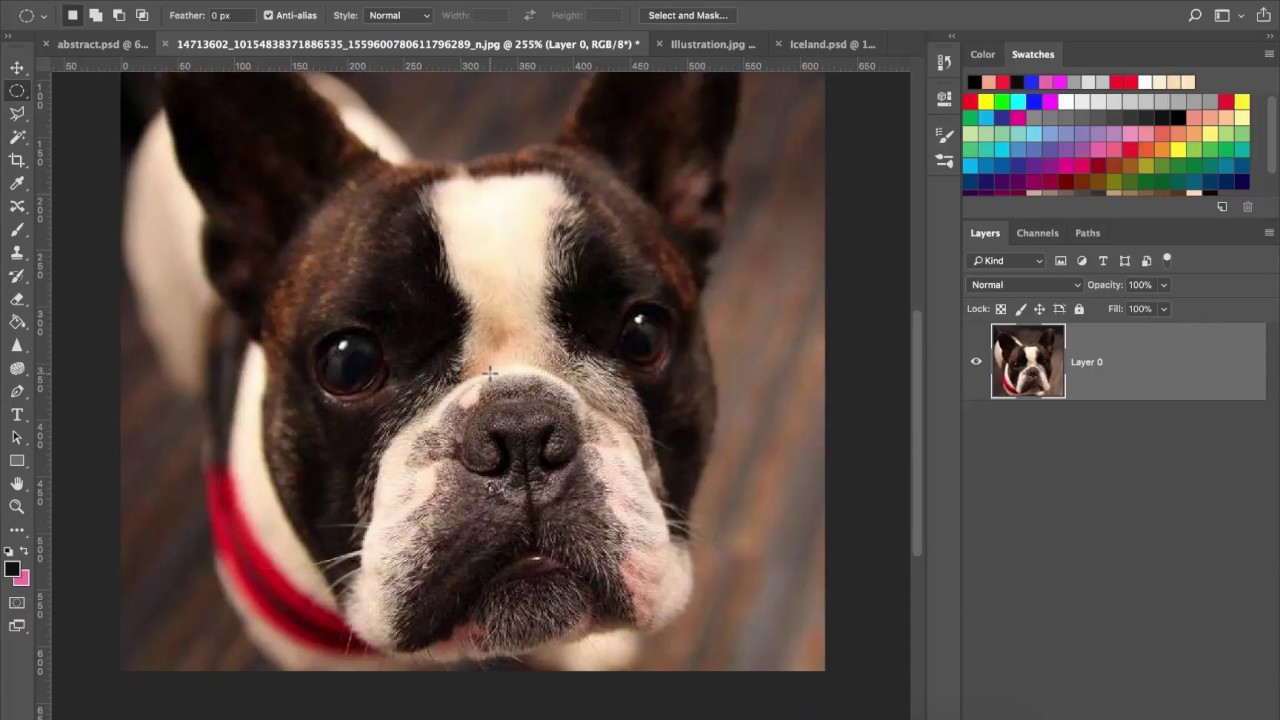
Here is a tutorial that shows you how to adjust the default marquee selections using transform selection. This …

Adobe Photoshop CC – How to warp objects with Free Transform

December 2, 2017

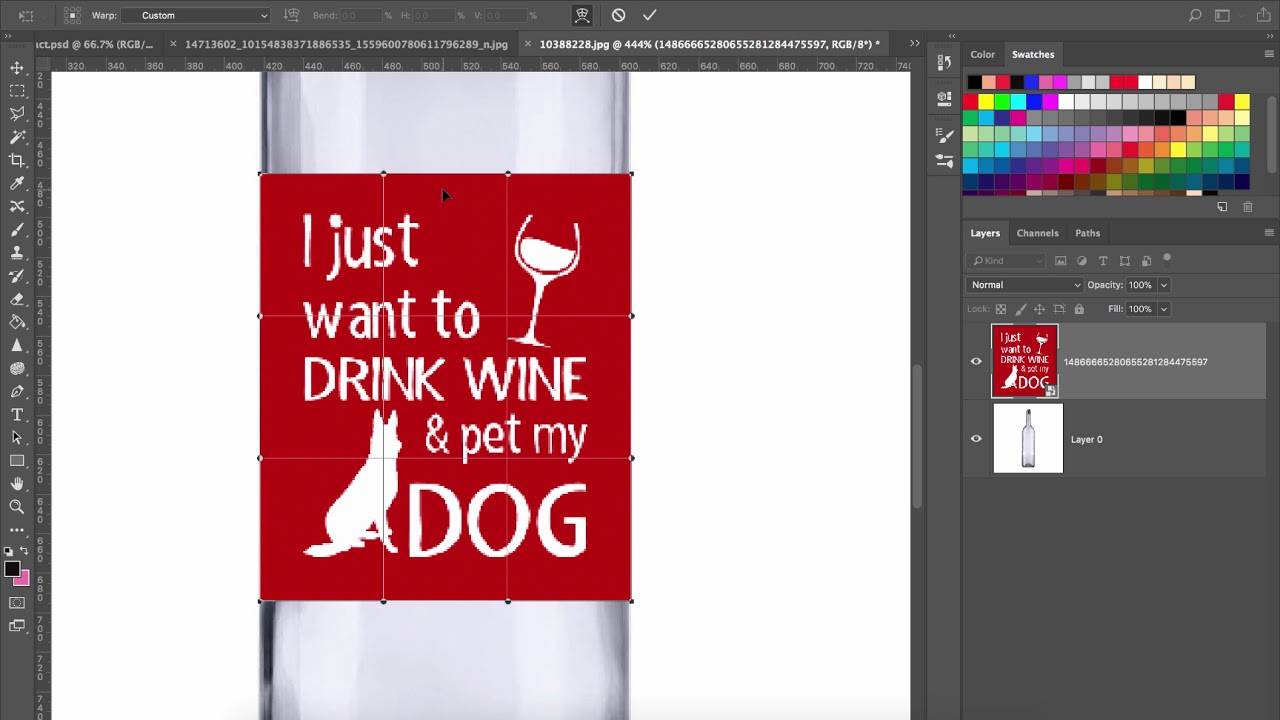
In this tutorial, I show you how to warp objects using the free transform. We resize a wine …

Adobe Photoshop CC- How to create a new brush

November 28, 2017

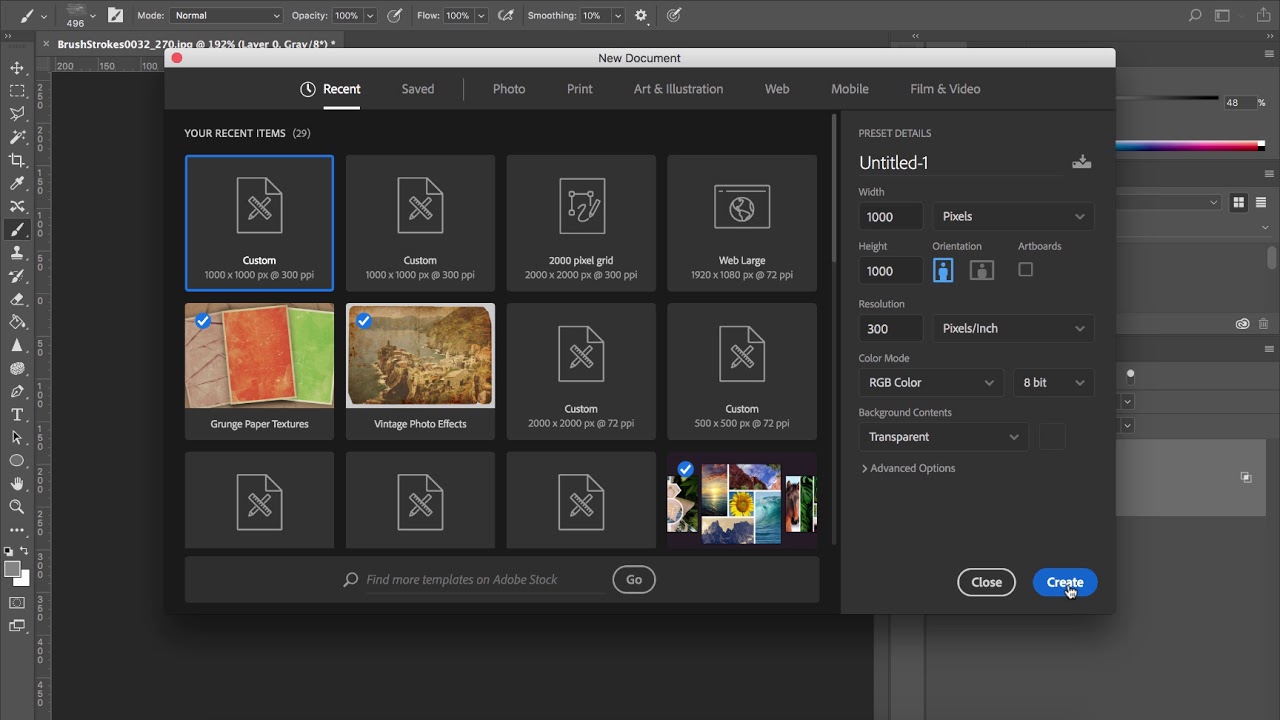
Here is a quick tutorial showing you how easy it is to create a new brush preset inside …

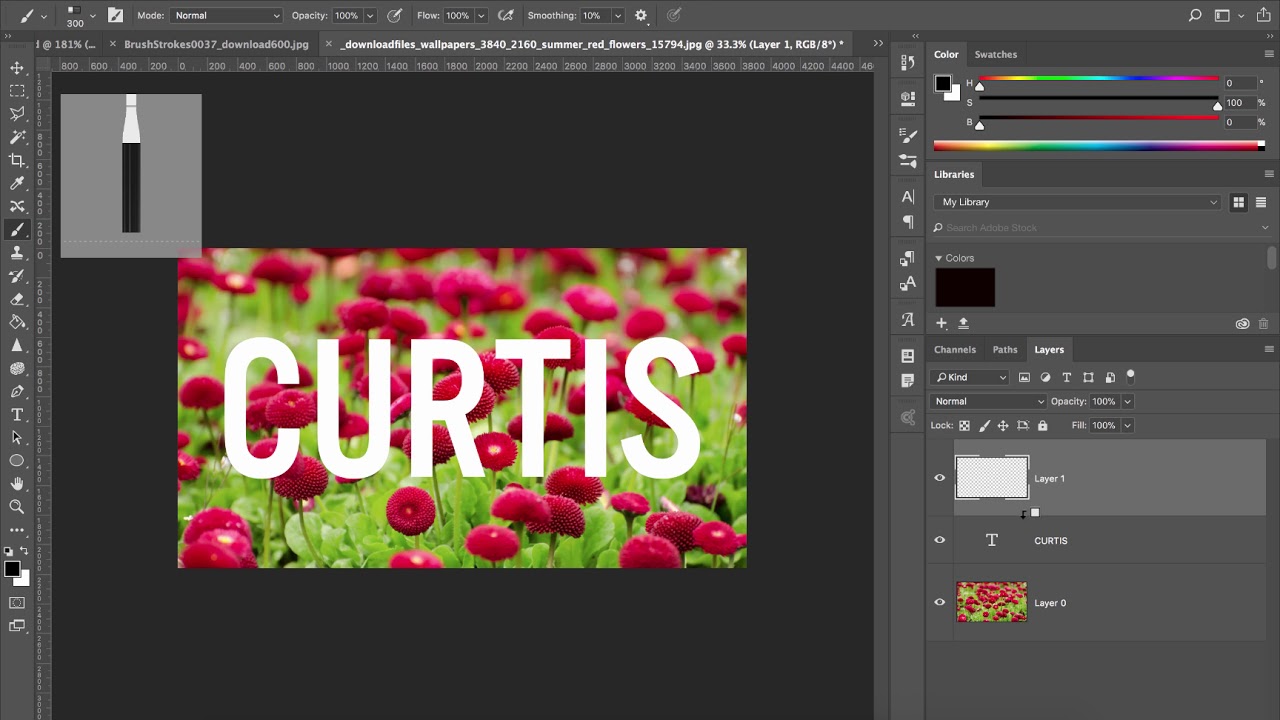
How to add texture to type with brushes – Adobe Photoshop CC

November 28, 2017

Here is a quick tutorial showing you the ways to add texture to your type using adobe photoshop …

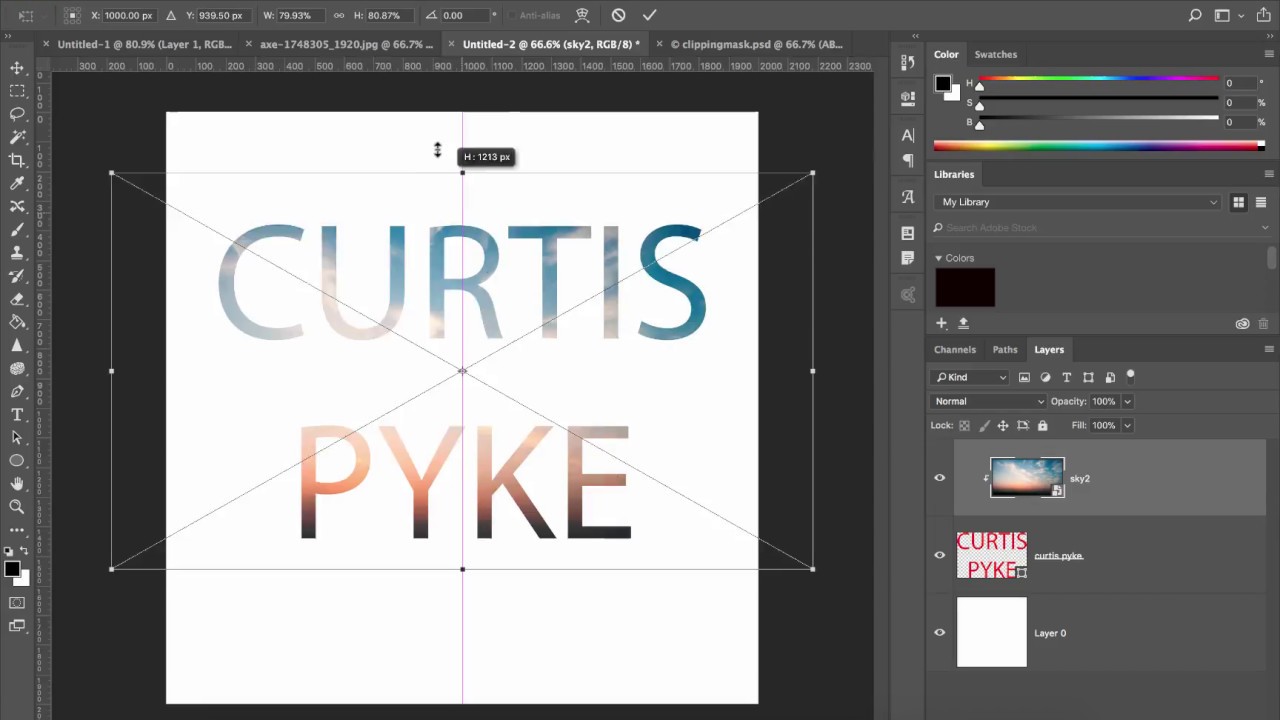
Adobe Photoshop CC – How to add texture to text using clipping masks

November 27, 2017

Here is a quick tutorial showing you how to add texture to your text using clipping masks.
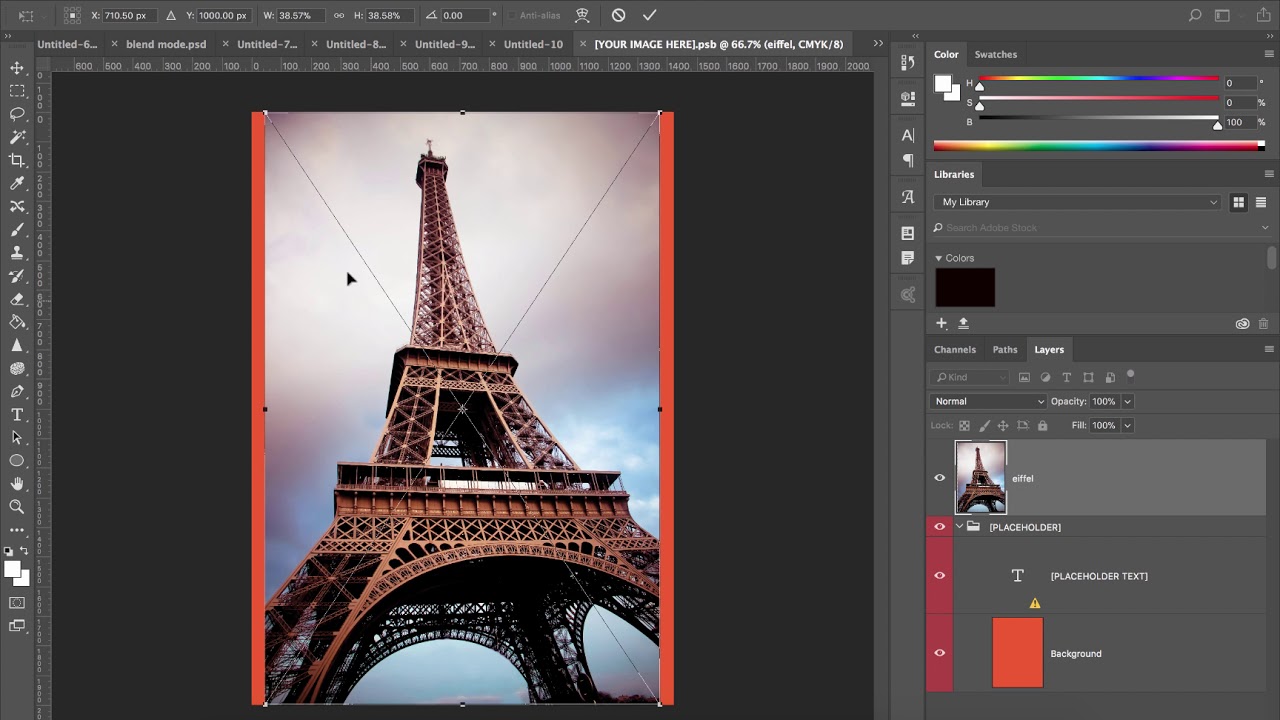
Adobe Photoshop CC 2018 – How to create grunge effects

November 26, 2017

Here is a quick tutorial showing you how to create grunge effects with adobe photoshop cc 2018

Older posts
Newer posts
← Previous Page1 … Page103 Page104 Page105 … Page109 Next →
© 2026 Curtis Pyke creative tips • Built with GeneratePress
Next Page »