Skip to content

Curtis Pyke creative tips

  • Curtis’s YouTube channel
  • Freedom! Scholarship
  • MGN
    • MGN TV
    • MGN Destiny 2
    • MGN World of Warcraft
    • Minecraft Viki
    • MGN Cyberpunk 2077
    • MGN Ashes of Creation
    • MGN Academy
  • Freedom!
    • tips!
    • Freedom! Games
    • Freedom! Forums
    • Partner with Freedom!
  • youtube
  • discord2

Curtis Pyke creative tips

  • Curtis’s YouTube channel
  • Freedom! Scholarship
  • MGN
    • MGN TV
    • MGN Destiny 2
    • MGN World of Warcraft
    • Minecraft Viki
    • MGN Cyberpunk 2077
    • MGN Ashes of Creation
    • MGN Academy
  • Freedom!
    • tips!
    • Freedom! Games
    • Freedom! Forums
    • Partner with Freedom!

Curtis Pyke

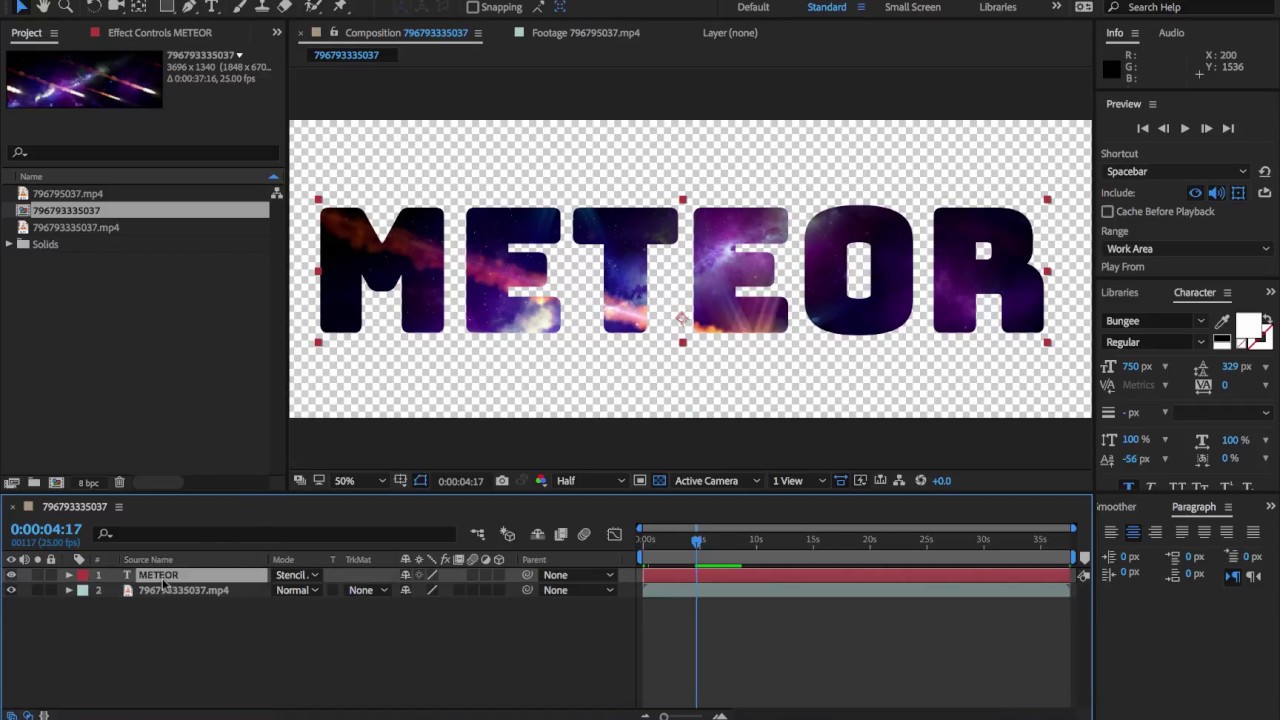
Stencil Alpha – Adobe After Effects

January 8, 2018

In this tutorial I show you how to create an effect similar to the double exposure effect inside …

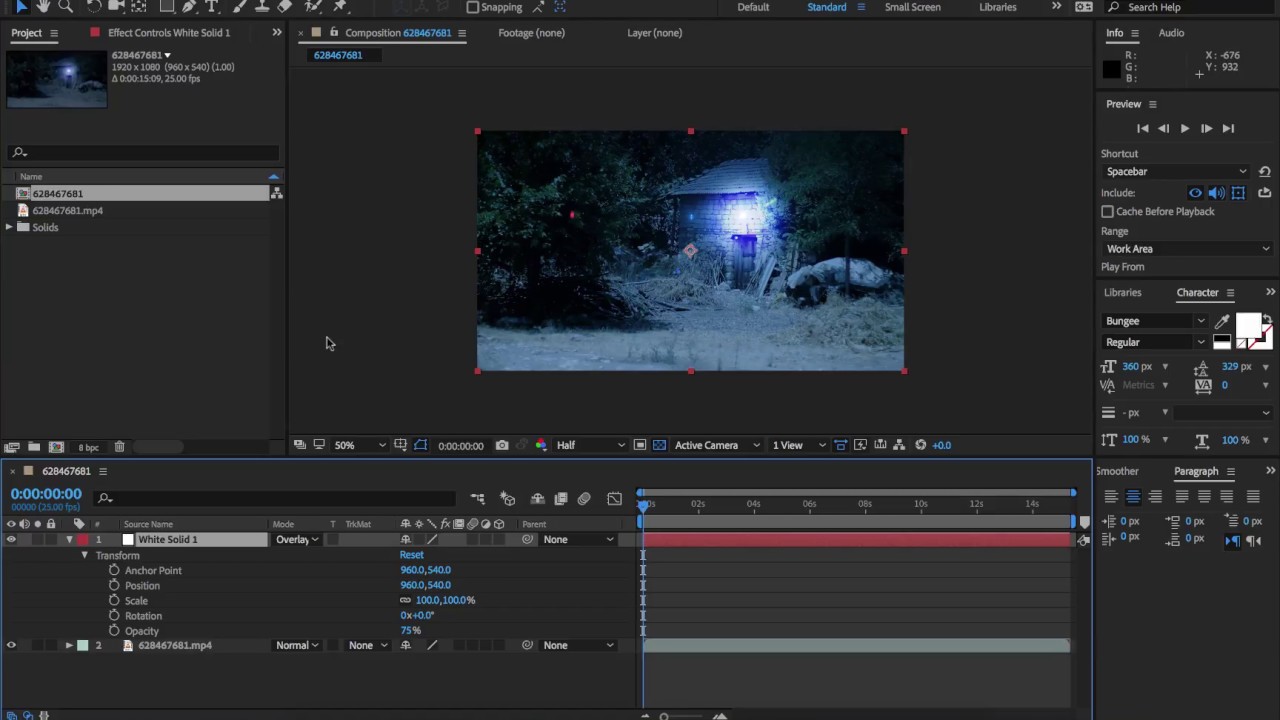
How to light footage using a solid colour and blending modes – Adobe After Effects

January 8, 2018

In this tutorial I show you an easy way to add and adjust light to your footage using …

How to Repeat animations – After Effects – LoopOut Expression

January 8, 2018

In this tutorial, I show you how to use the loopOut expression to repeat animations.
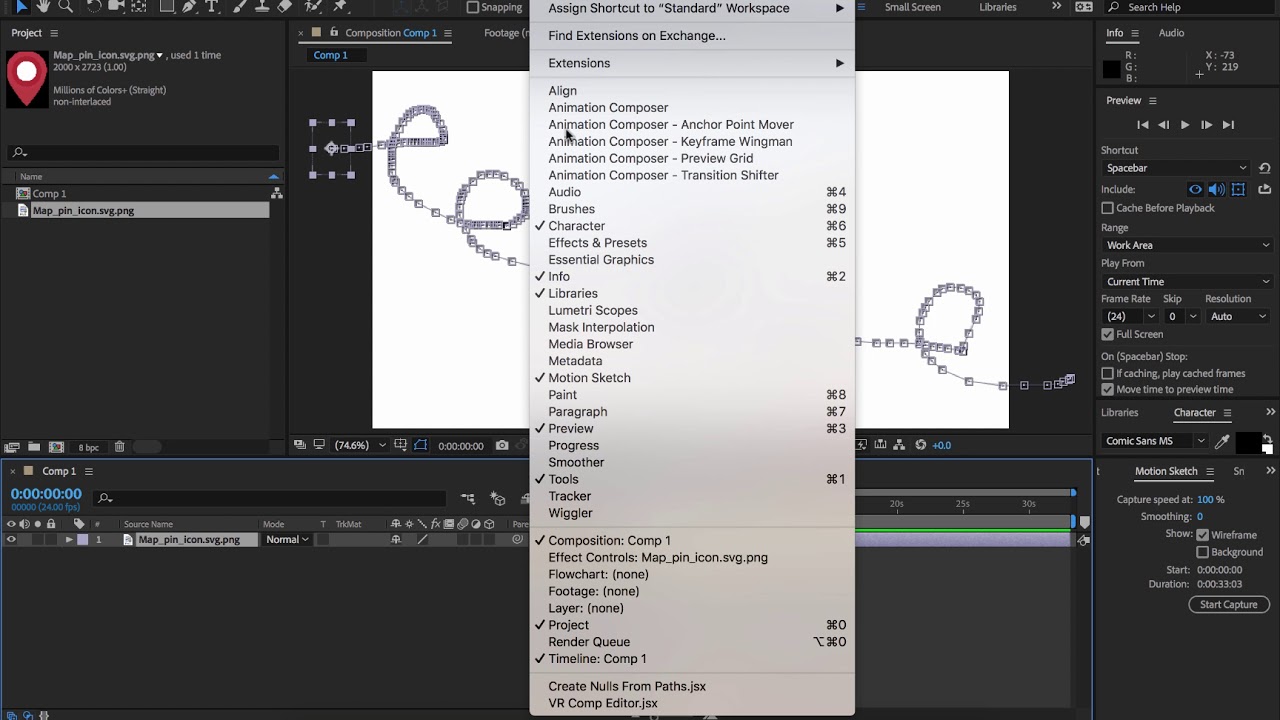
How to draw hand drawn motion paths – Motion Sketch and Smoother – Adobe After Effects

January 7, 2018

In this tutorial, you learn how to draw hand drawn motion paths using Adobe After Effects motion paths …

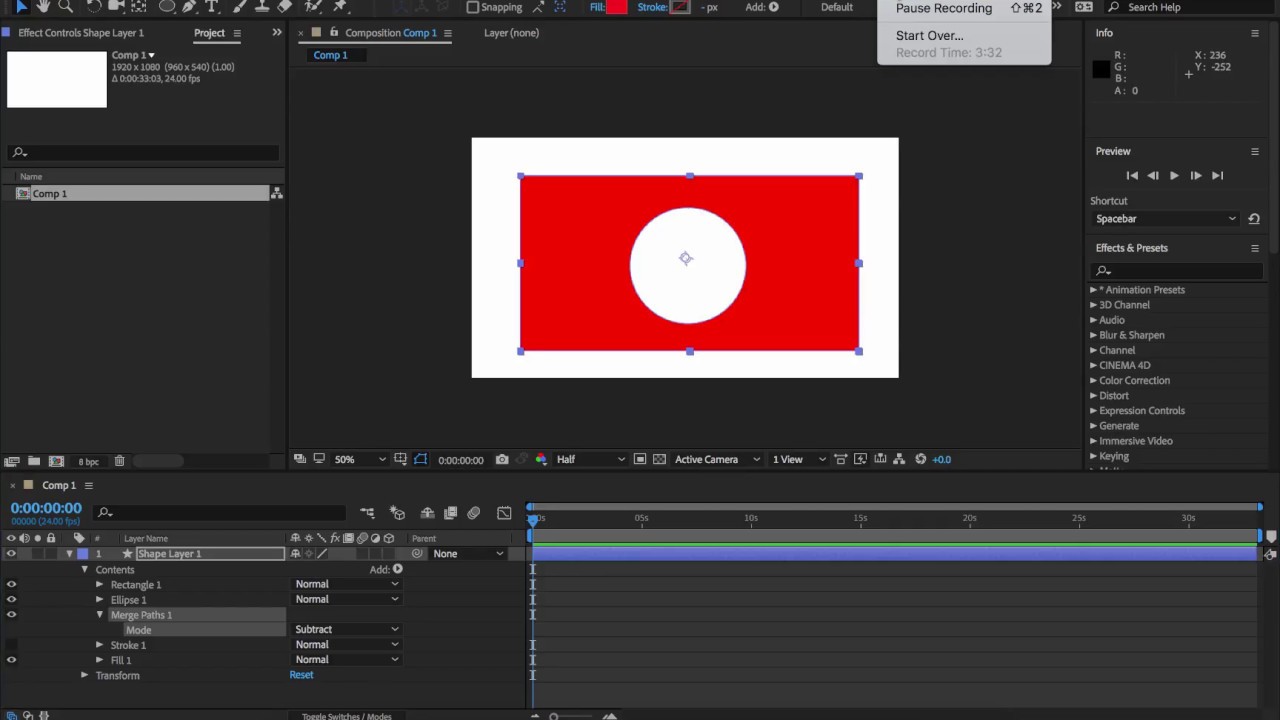
Creating complex shapes using merge paths – Adobe After Effects CC 2018

January 5, 2018

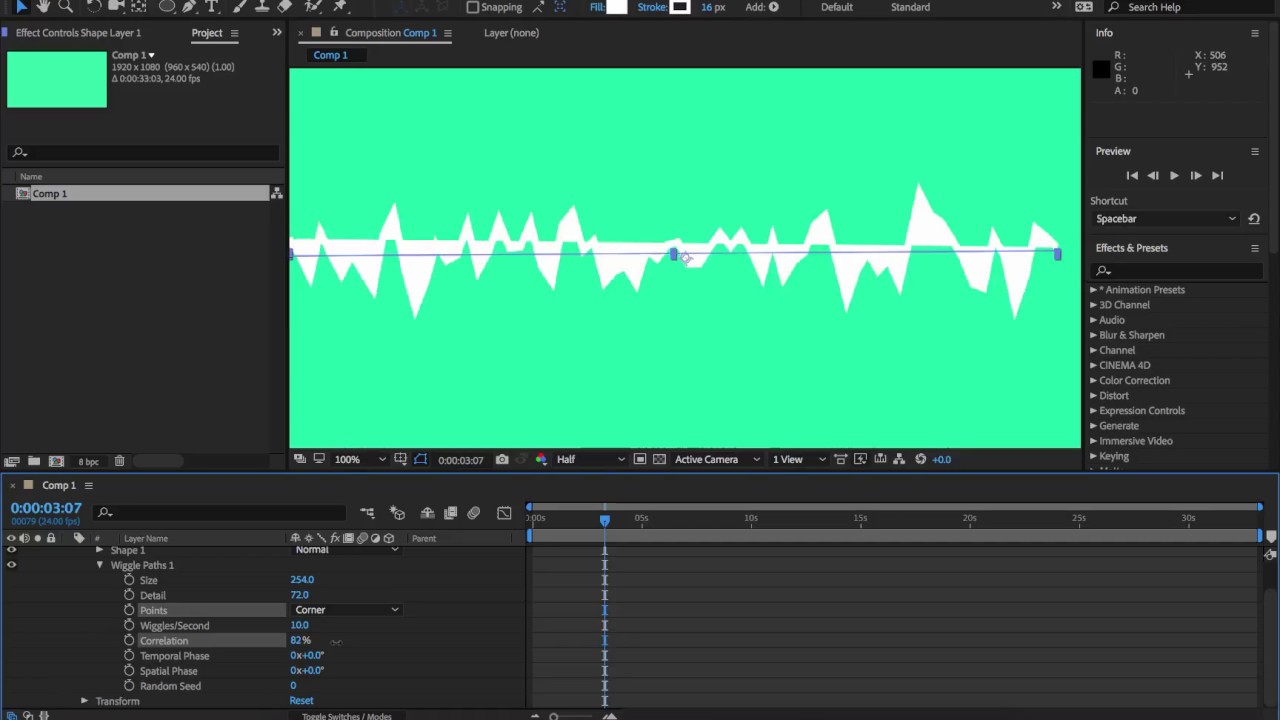
How to animate lines – Adobe After Effects CC – Wiggle Paths

January 5, 2018

Here is a video showing you how to animate lines in Adobe After Effects CC 2018 using Wiggle …

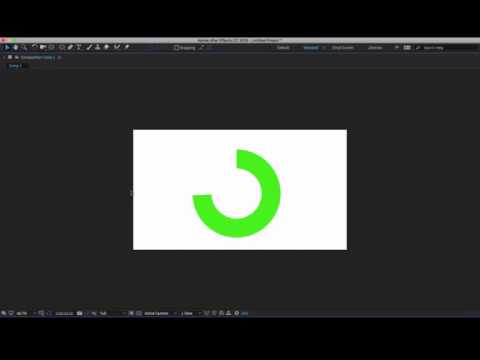
How to animate shapes over time – Adobe After Effects – Trim Path

December 29, 2017

In this video, I show you how to grow an animation over time using the trim paths operator. …

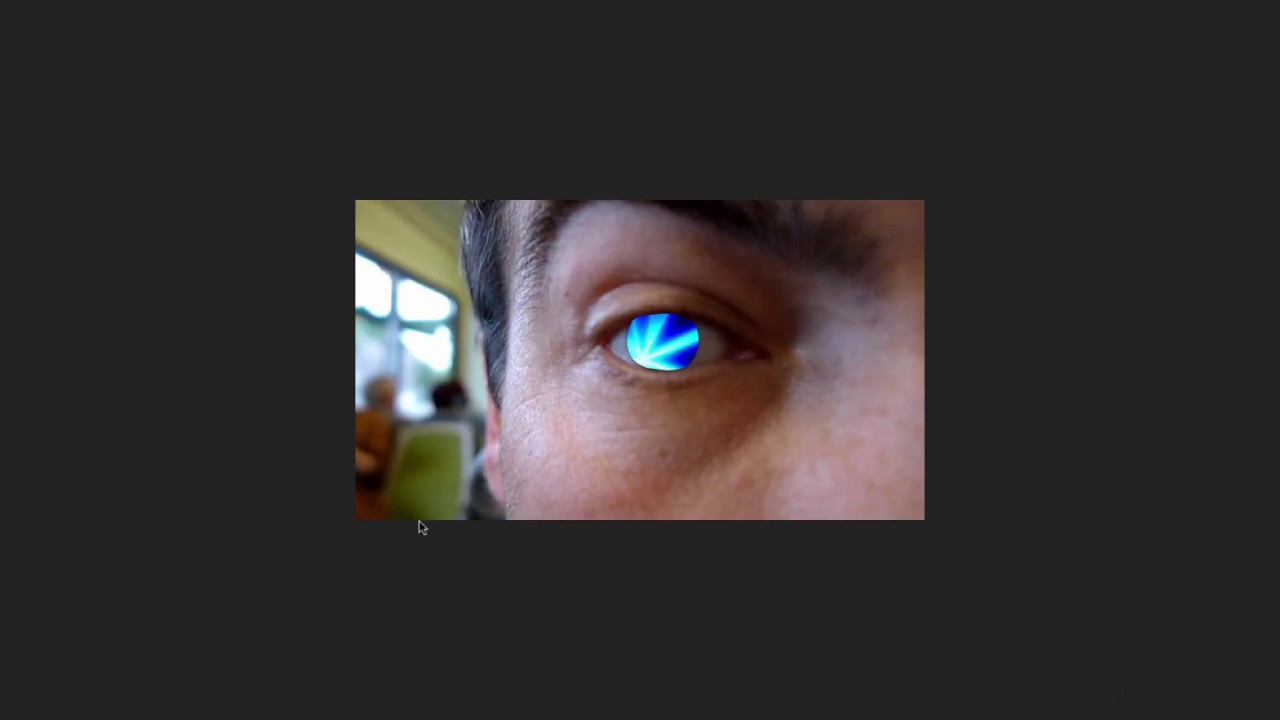
Using Track Mask and Face Tracking for Eye Reveals – Adobe After Effects CC 2018

December 29, 2017

In this tutorial, I show you how to use the Track Mask and Face Tracking feature (Part of …

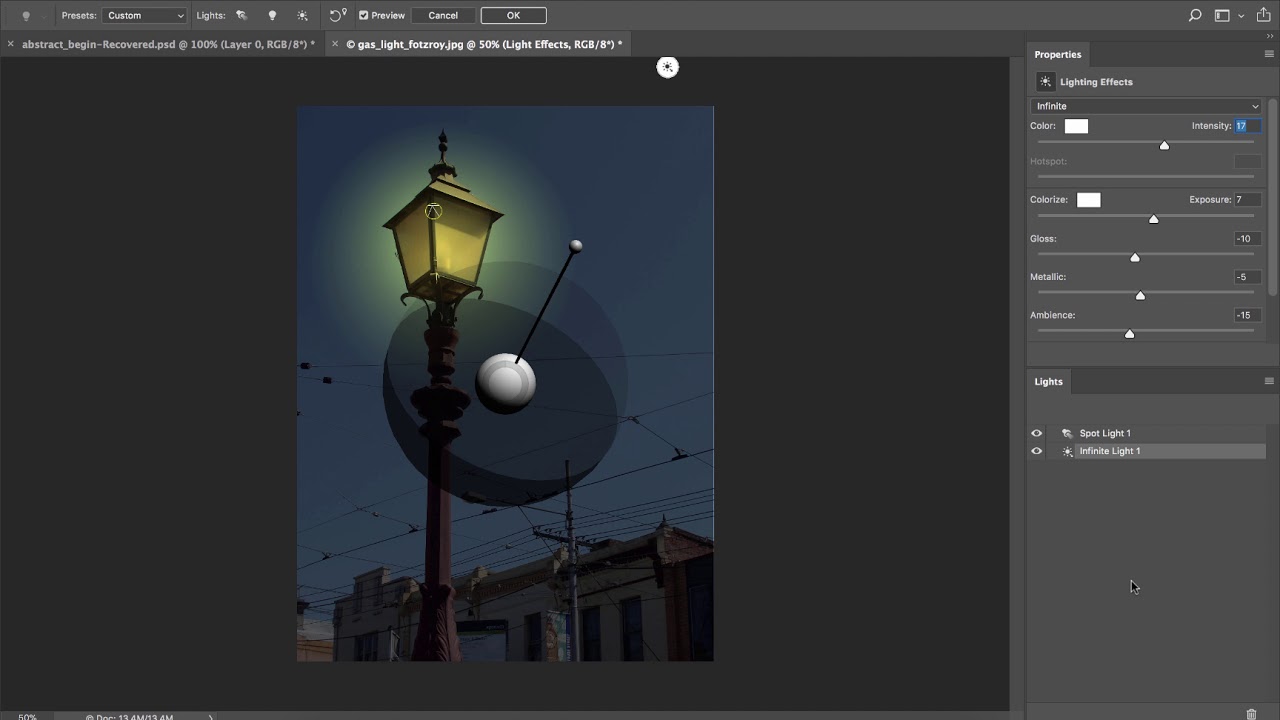
How to light a scene – Adobe Photoshop CC 2018

December 28, 2017

In this tutorial, I show you how to light a scene using the Lighting Effects filter in Adobe …

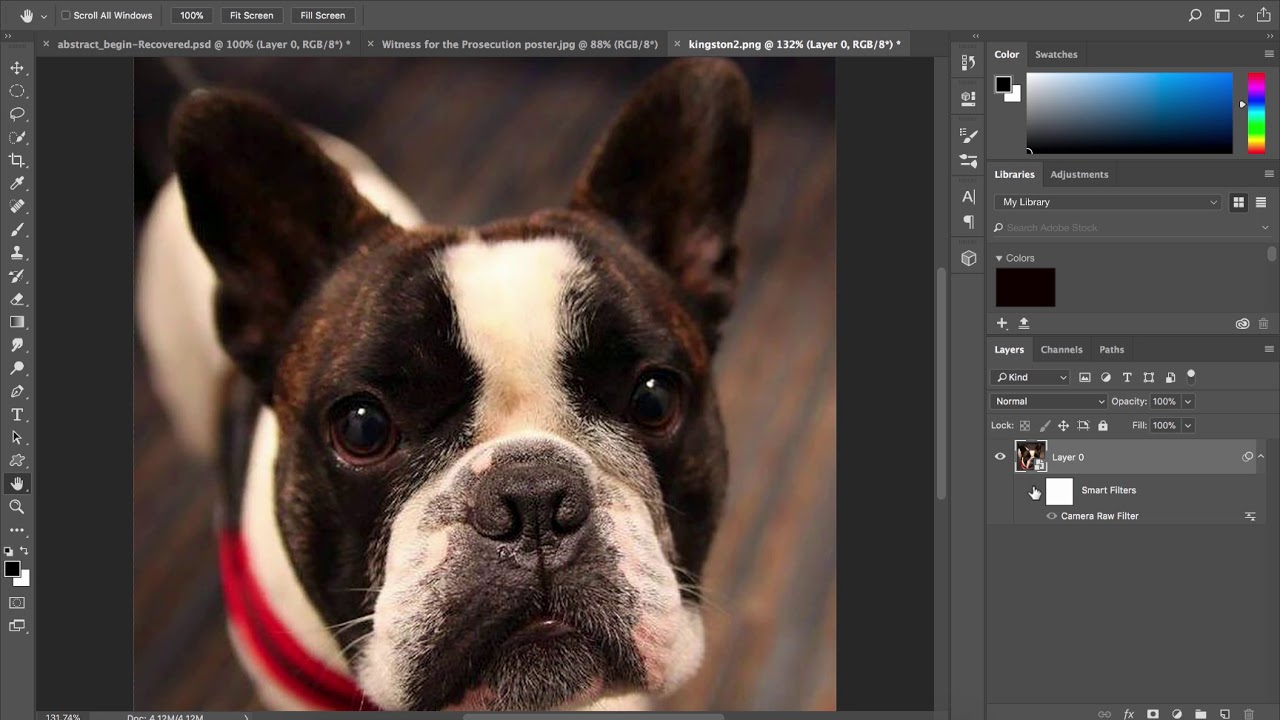
3 ways to add grain and noise to an image – Adobe Photoshop CC 2018

December 27, 2017

In this tutorial, I show you 3 different ways to add grain / noise to your images.
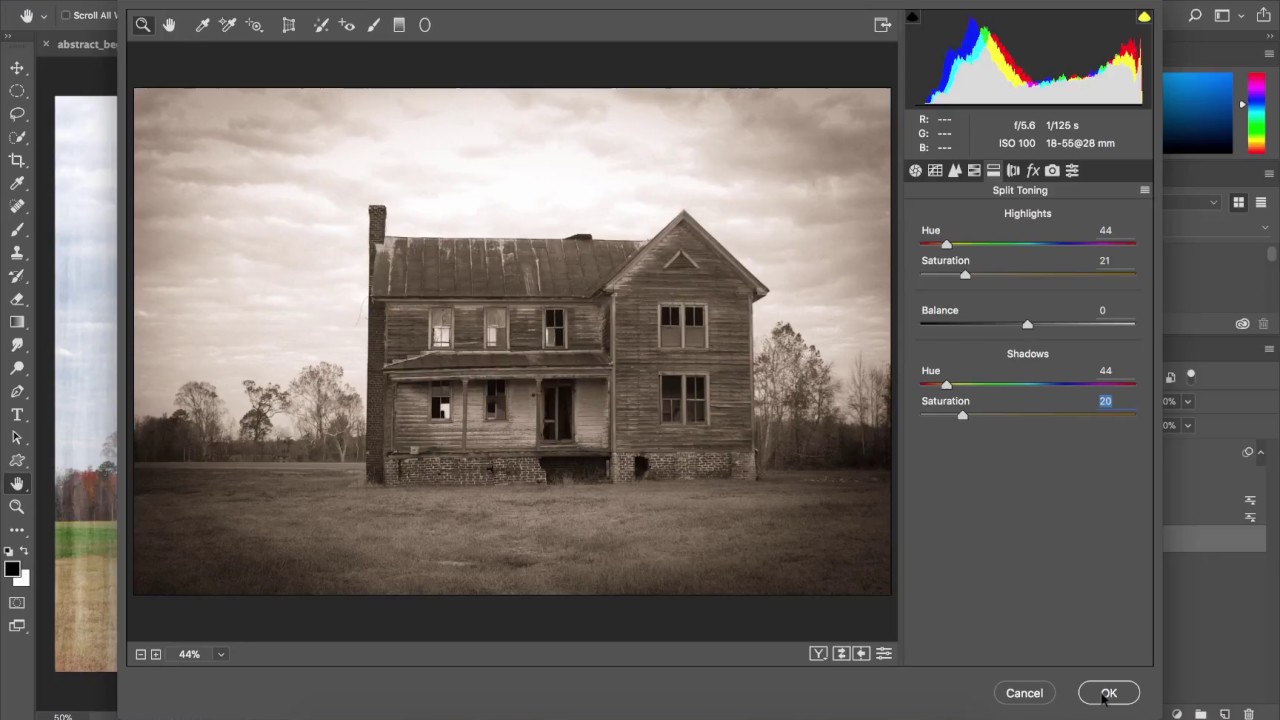
How to create an antique Look – Adobe Photoshop CC 2018

December 27, 2017

Here is a quick tutorial that shows you how to create an antique look inside adobe photoshop cc …

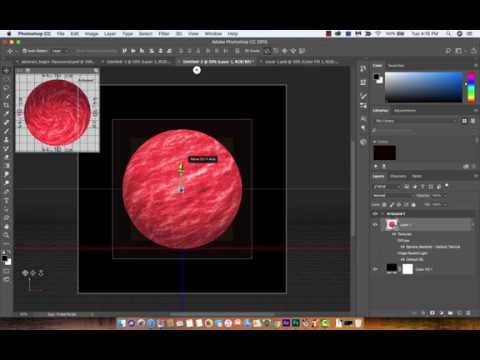
How to create planets and planet textures – Adobe Photoshop CC 2018

December 27, 2017

In this tutorial, I show you how to create planets and planet textures using adobe photoshop CC 2018. …

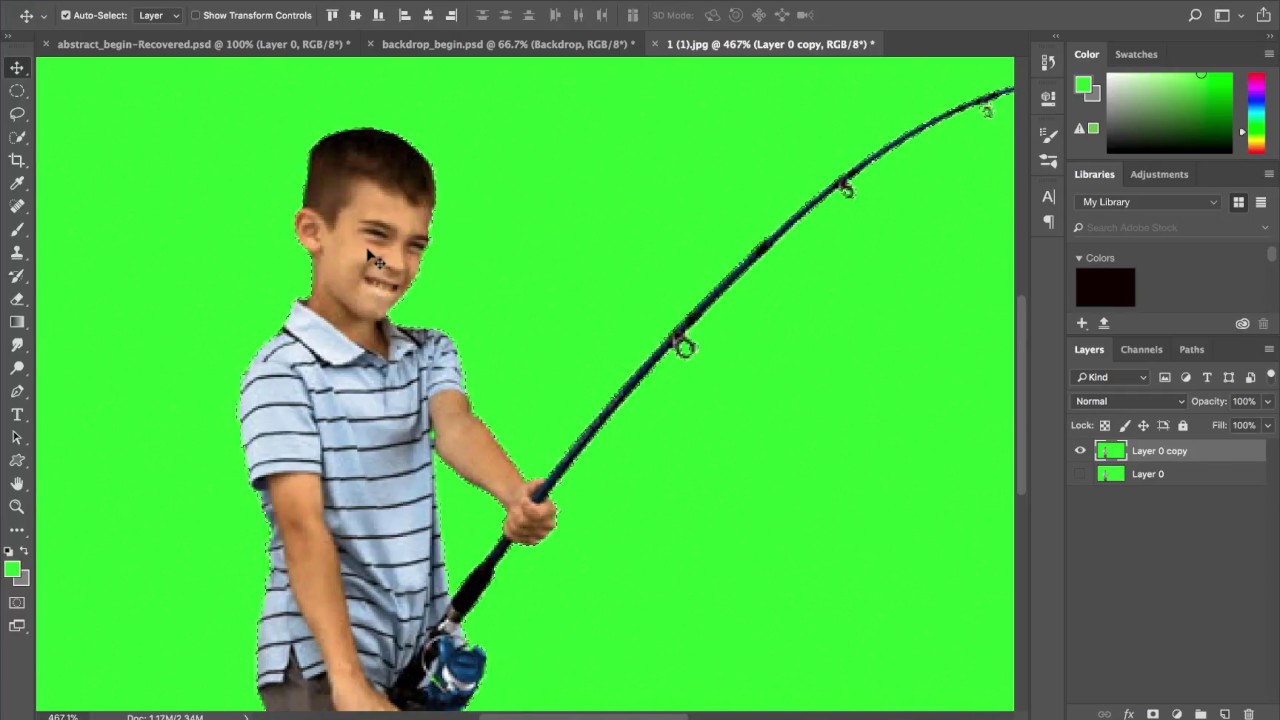
How to Green Screen Professionally – Adobe Photoshop CC 2018

December 26, 2017

In this tutorial I show you how I green screen professionally. I show you a quick and easy …

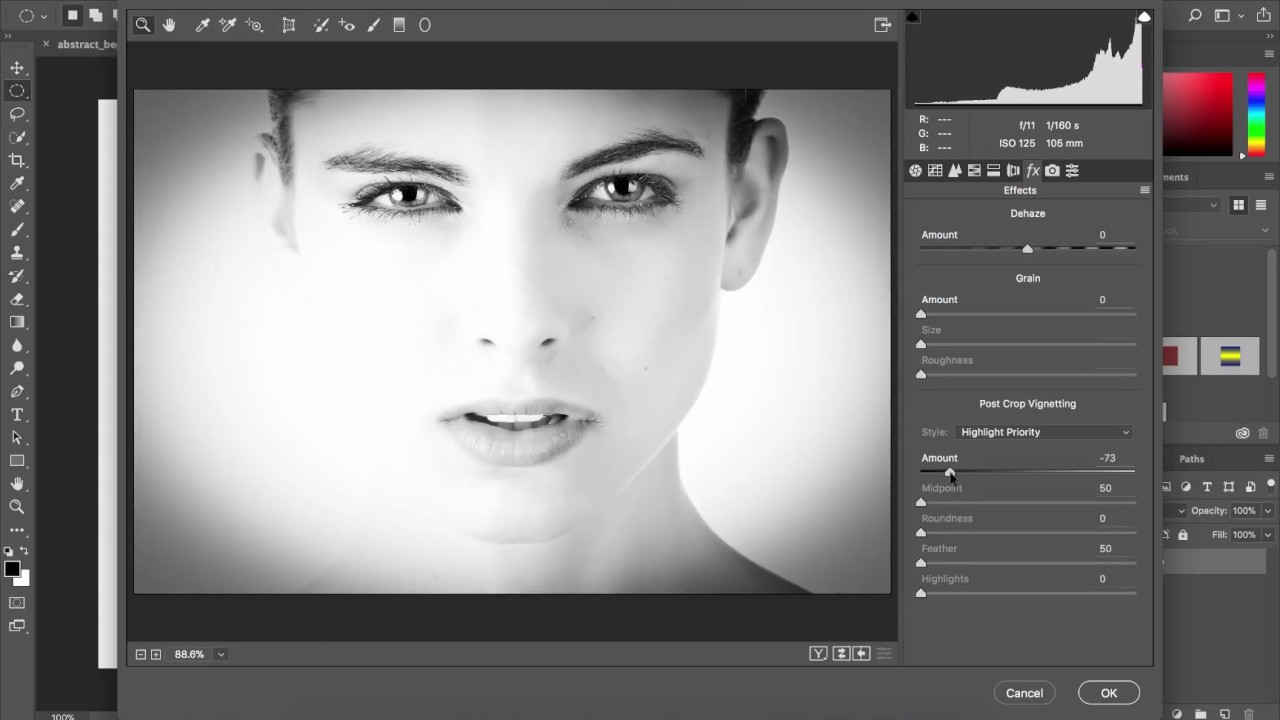
Adobe Photoshop CC – How to create a vignette effect

December 26, 2017

Here is a tutorial showing you how to create and apply a vignette effect easily. Simply select an …

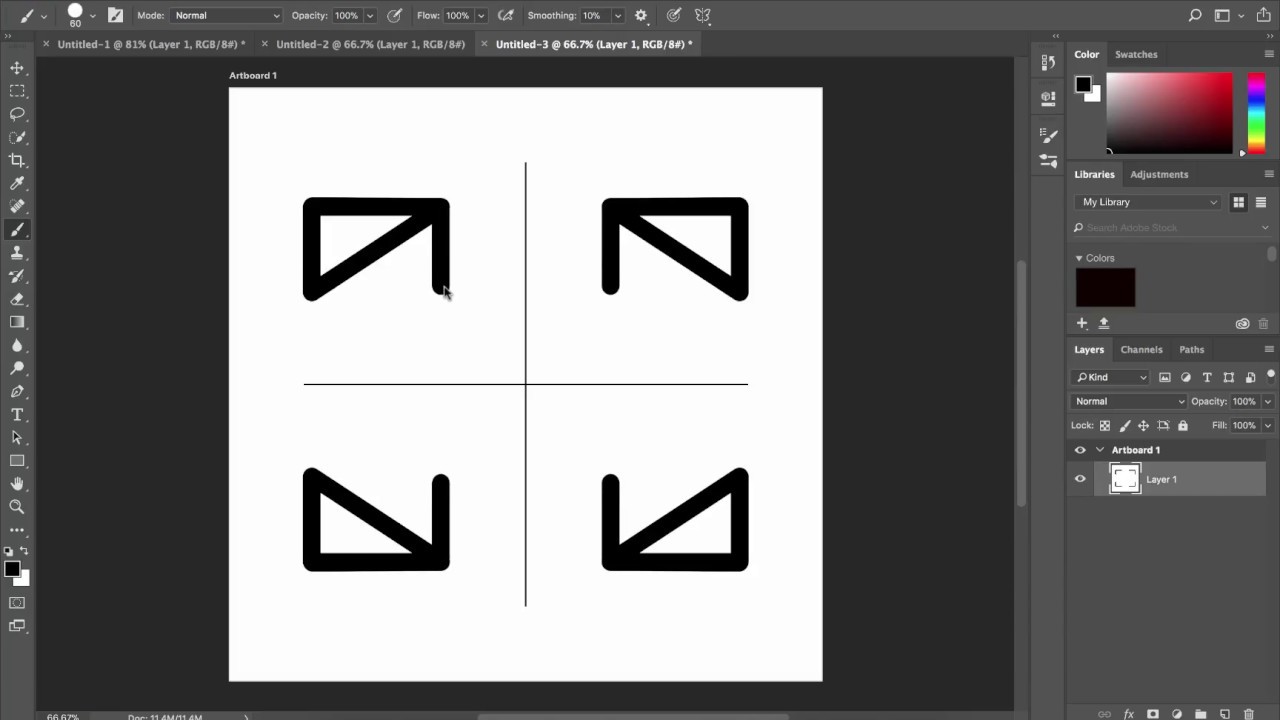
Adobe Photoshop CC – Paint Symmetry – How to

December 24, 2017

In this tutorial, I show you how to use the new paint symmetry feature available in Adobe Photoshop …

Older posts
Newer posts
← Previous Page1 … Page101 Page102 Page103 … Page109 Next →
© 2026 Curtis Pyke creative tips • Built with GeneratePress
Next Page »